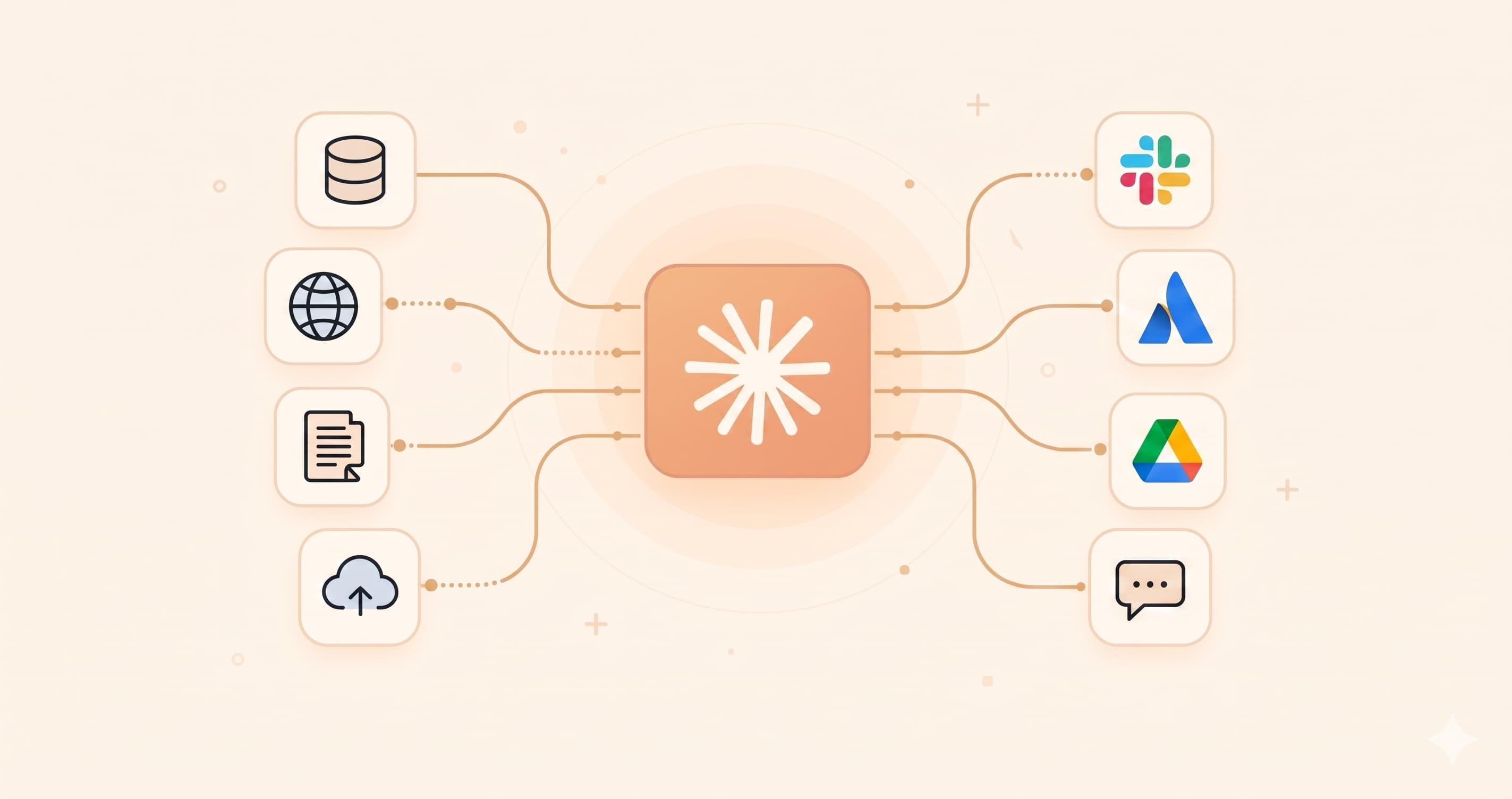
ctxd was a small CLI tool I wrote to let Claude Code automatically pull context from Slack, GitHub PRs, Confluence, and Jira. It worked great and saved me substantial time. But a few months later, Claude Code Connectors officially absorbed 80% of its core value.
This experience led me to rethink: what is the true value of personal tooling projects in the AI era?
How ctxd Came to Life
Between late last year and early this year, I wrote three CLI tools in succession:
slack-thread-dump: Exports a Slack thread to Markdown or plain text;pr-dump: Bundles metadata, comments, and diff of a GitHub PR into a single file to feed AI code reviews (introduced in a previous post);confluence-dump: Exports a Confluence page (including child pages and images) to Markdown, with an added Jira issue export capability from the same source.
By the time I wrote the third one, I realized they all stemmed from the same underlying need: flattening context scattered across SaaS tools into a single text stream that LLMs can ingest directly. So I merged the three repositories, renamed the project to ctxd, moved credentials into a config file, unified the output (-O for automatic naming, stderr automatically silenced), and published it to a Homebrew tap.
Then, I added a rule to my ~/.claude/CLAUDE.md:
When the user pastes a link to Slack / GitHub PR / Confluence / Jira and asks to read, summarize, translate, or reference it, immediately execute
ctxd <url>via Bash—do not ask the user to copy content manually.
Paired with this skill, the workflow was closed-loop: I pasted a Slack link into Claude Code, it automatically invoked ctxd, retrieved the full thread, and pulled it directly into the conversation context. It felt remarkably frictionless for daily work.
However, I never promoted it or systematically shared it with colleagues.
Then Claude Code Shipped Connectors
Around late April to early May, Claude Code rolled out Connectors end-to-end—Slack, Atlassian (Confluence + Jira), Microsoft 365, Asana, Box, and more, all built-in. Authorization evolved from “applying for a user token in Slack settings and pasting it into ~/.config/ctxd/config” to simply “clicking approve.”
When I connected the Atlassian connector for the first time, it felt surreal:
mcp__claude_ai_Atlassian__getConfluencePagereplaced my Confluence export;mcp__claude_ai_Atlassian__getJiraIssuereplaced my Jira export;mcp__claude_ai_Slack__slack_read_threadreplacedslack-thread-dump;- For GitHub, official MCP tools and
ghalready existed; mypr-dumpwas merely glue code.
In other words, roughly 80% of ctxd’s value was consumed by Connectors in one swoop.
The remaining 20%—offline local Markdown exports, recursive dumps of Confluence subtrees, custom diff formatting—is still useful, but has been relegated to “long-tail value,” rather than the indispensable core value of “I cannot use AI effectively without this.”
But ctxd Was Far from Wasted Effort
Looking back, during the window before Connectors arrived in early May, ctxd paid off tangibly:
- PR Reviews: Paste a PR URL, and the AI immediately returned the motivation, risks, and questions I should ask. At least 5x faster than combing through diff lines manually.
- Drafting Slack Replies: In Japanese workplace threads that twist through “confirm first → add background → hint at minor reservations → hedge bets → ask for final confirmation,” reading manually is exhausting. Pasting the Slack thread URL let the AI digest the conversation first and draft an appropriate Japanese reply in seconds.
- Jira Tickets: Cloned internal Jira ticket templates and prefilled new ones directly.
- Reading Colleagues’ Confluence Docs: When a teammate writes a 30-page document dense with citations, letting AI summarize key points and clarify technical terminology made life vastly easier.
These were real hours saved and real value delivered. The fact that upstream later shipped an official version does not negate that.
Moreover—and this matters even more—the final interaction pattern I converged on independently (“pasting URLs directly to LLMs”) was identical to the interaction model Anthropic shipped half a year later with Connectors. That was no coincidence. It proved my judgment of what efficiency meant was aligned with the product team building Claude Code. Given the velocity of AI development, aligning with upstream product intuition is often more valuable than merely having built feature X.
Strictly speaking: ctxd was not made obsolete; it was validated.
The AI Era Is Collectivist, Not Individualist
Recently, I listened to the four-hour interview with Yao Shunyu (YouTube / Apple Podcast), and one quote stuck with me:
“The era of individual heroism in AI is over; today it’s all collectivism. There are heroic collectives, but no individual heroes—so remain vigilant against any narrative that mythologizes individuals.”

The story of ctxd is a micro-example of this. I wrote it, maintained it, and used it alone, feeling great about it. But whenever a need is real, others are bound to solve it as well—a product team inside Anthropic, official Slack integrations, Cursor, Cline, or numerous open-source initiatives. Their speed, resources, and distribution capabilities are impossible for individual projects to match.
In the AI era, it is literally true that “even if you don’t build it, plenty of others will.”
Better to Not Build than Build Too Slow
Whenever you build a tool to patch native model limitations, by the time your tool is finished, upstream may already have built it internally, slated for release in three to five weeks. Once shipped, your custom version turns into cognitive overhead (forcing users to learn a tool that will soon be deprecated).
In such cases, choosing not to build can be a net-positive decision. Spending that time on non-utility projects or lasting content creation is often far more durable.
That is not to say you should never build wheels. Building to learn, building for personal use, and building to think through a problem are always worthwhile. But be clear about your intent: is it “learning/personal use” or “striving to establish a de facto standard”? The success rate of the latter in the AI era is much lower than you might think.
Appendix: If You Still Want to Try ctxd
If you read this and still want to try ctxd—for example, if you prefer absolute local ownership of project context saved purely as Markdown for Obsidian—the repository is here:
However, one thing matters far more than the tool itself: add the skill to your ~/.claude/CLAUDE.md first (or package it as an independent Claude Code Skill). Without this instruction, ctxd is just an ordinary CLI; with it, Claude Code automatically invokes it the moment you paste a link.
 1## Tool: ctxd — auto-fetch context from URLs
 2`ctxd` is installed at `/opt/homebrew/bin/ctxd` (v0.3.0+). It's a unified context dumper for Slack / GitHub PR / Confluence / Jira URLs.
 3
 4**Rule:** When the user pastes a URL from any of these sources and asks you to read / summarize / translate / reference it, **run `ctxd <url>` via Bash immediately** — do not ask the user to paste content manually.
 5
 6Supported URL patterns:
 7- `https://*.slack.com/archives/...` — Slack threads
 8- `https://github.com/*/pull/*` — GitHub PRs
 9- `https://*.atlassian.net/wiki/...` — Confluence pages
10- `https://*.atlassian.net/browse/...` — Jira issues
11
12Common usage:
13```
14ctxd <url>              # markdown to stdout (default — works for all 4 sources)
15ctxd <url> -f text      # plain text
16ctxd --help             # full options
17```
18
19Note: `ctxd` auto-silences stderr progress when stderr isn't a TTY (i.e. when invoked by Claude Code / captured by a wrapper). No need to pass `-q`. In an interactive terminal, progress still shows — pass `-q` manually to silence there.
20
21Confluence — expansion flags (opt-in, require `-o <dir>`):
22- `-r` recursive export of child pages
23- `-i` download referenced images
24- `--all-attachments` download every attachment
25Default Confluence behavior is single-page to stdout; only reach for these when the user explicitly wants a tree or image export.
26
27Fallback: if ctxd fails or URL isn't a supported source, use WebFetch.
Tools should serve agents, not humans. Letting the agent know the tool exists is far more critical than the tool itself.
Conclusion
In all, I don’t regret building ctxd at all—it bought me immense amounts of time during its window of opportunity and ultimately validated my intuition. The technical byproducts (practicing unified abstractions, navigating PR, Slack, and Confluence APIs) were welcome bonuses.
The lasting lesson wasn’t that “personal projects are pointless,” but that “personal projects must be clear about whom they are racing against.” Building to learn, for self-utility, and to test hypotheses will always have value. But if your goal is capturing an AI workflow entry point, velocity and distribution are part of the product itself.
 Hi, I’m CheerChen.